Shopify Analytics
- Sales and order value
- Source of truth
- Traffic sources
- Basic
- Page and funnel behaviour
- Limited
- Ad optimisation
- Yok
- Affected by cookie consent
- Partly

Services
Setup and development
Growth and marketing
Support and care
Migrate to Shopify
WooCommerceMagentoWixBigCommerceSquarespacePrestaShopOpenCartWordPressOther platforms
Growth and visibility
We set up GA4 on your Shopify store with the right events, so you can see which products get viewed but not bought, and exactly where shoppers leave the checkout.
 5.0 client rating
The three sources measure in different ways, so it's normal for the numbers not to match exactly. What matters is knowing which one to use for which decision.
| Kriter | Shopify Analytics | Google Analytics 4 | Meta Ads Manager |
|---|---|---|---|
| Sales and order value | Source of truth | Estimated | Ad attribution |
| Traffic sources | Basic | Detailed | Yok |
| Page and funnel behaviour | Limited | Var | Yok |
| Ad optimisation | Yok | For Google Ads | For Meta |
| Affected by cookie consent | Partly | Var | Var |
With the right event setup, you get these reports.
Spot the products that get viewed but not bought.
See whether shoppers drop off at the cart, information, shipping or payment step.
Plan targeted campaigns with interest and device data.
How organic, paid, social and email traffic contribute to sales.
A simple reporting screen for weekly tracking.
Measurement that respects cookie consent and GDPR.
A custom pixel added under Customer events in Shopify listens for the store's standard events. The example below sends a purchase event to GA4 when checkout completes; a real setup also includes line items and consent mode.
analytics.subscribe("checkout_completed", (event) => { const c = event.data.checkout; gtag("event", "purchase", { transaction_id: c.order?.id, value: c.totalPrice?.amount, currency: c.currencyCode, items: c.lineItems.map((li) => ({ item_id: li.variant?.sku, item_name: li.title, quantity: li.quantity })) });});Your business goals and the events to track are listed.
The GA4 property, data stream and Shopify connection are configured.
Product view, add to cart, begin checkout and purchase events are tested.
Google Ads, Search Console and Merchant Center are linked.
A Looker Studio dashboard is built and your team gets a short training session.
These mislead your reports and undermine ad optimisation.
You don't need it to sell. But every store that wants to grow does. Without knowing which channels and products bring in revenue, ad and SEO spending is guesswork.
Client · Cosmetics, Switzerland
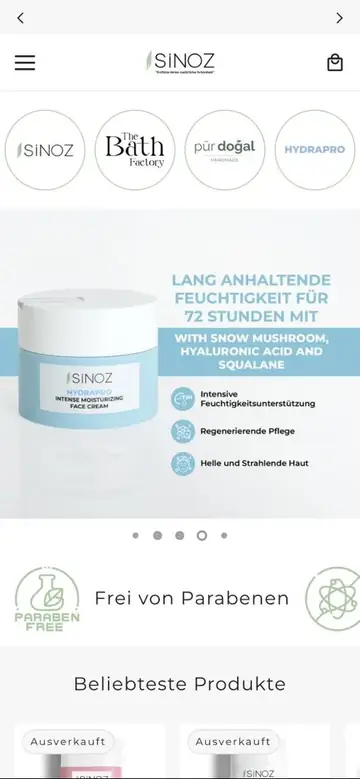
“Discover your beauty” — Sinoz Cosmetics is growing its store on Shopify with Shopiuzman.
Can't find the answer you're looking for? Get in touch directly.
Shopify is the source of truth for sales data. GA4 shows in detail which channel visitors came from and how they behaved on the site. The two should be used together.
Cookie consent, ad blockers and different attribution methods make small differences normal. During setup we check that the gap stays within a reasonable range.
Yes. In the audit we review your existing events and the risk of double counting.
If you already have a GA4 property, we fix it in place. If a new property is needed, historical data stays in the old one.
We look at server-side tagging when your setup calls for it.
You get the findings in writing, in order of priority.
Shopiuzman
Shopify experts · Usually replies quicklyHi there,
How can we help with your Shopify store? Pick a topic or type your message.
Peanut would like your permission before eating the cookies.
We use cookies to improve the site and measure our ads. Ours are digital; Peanut's are real. Details in our cookie policy.