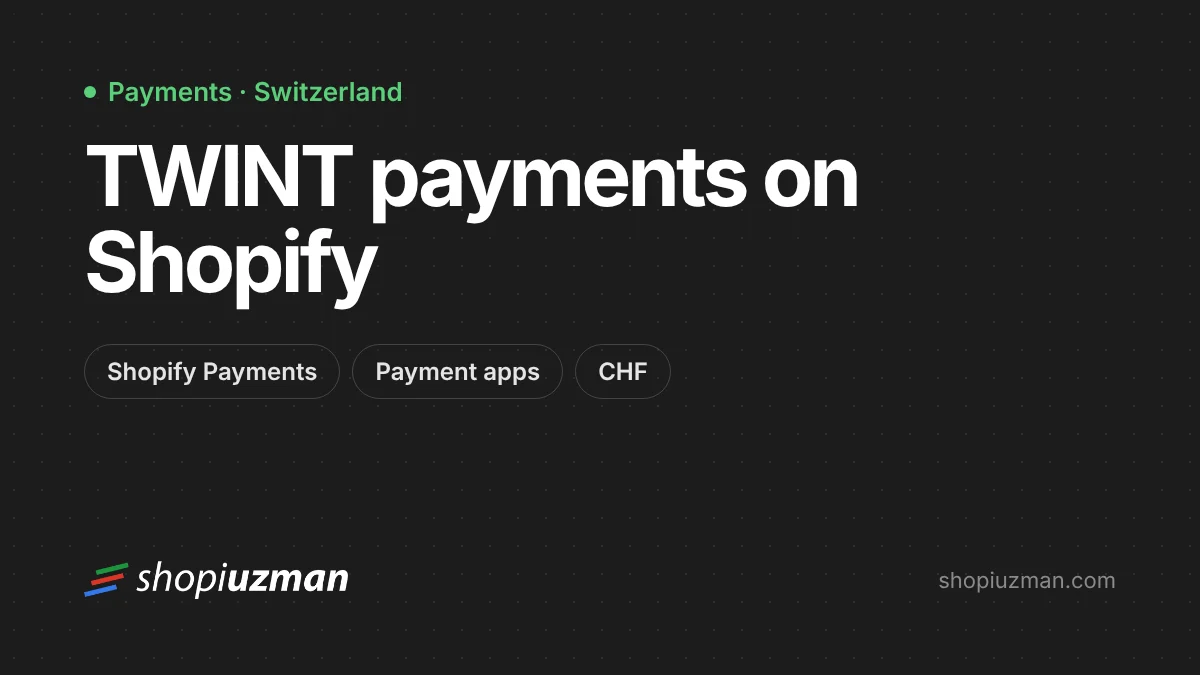
If you sell to customers in Switzerland, TWINT belongs at your checkout. It's the country's best-known mobile payment app: customers confirm payments on their phone, often by scanning a QR code, without typing card details. Offering it gives Swiss shoppers a familiar way to pay and can reduce drop-off on mobile.
Two ways to add TWINT to Shopify
Option 1: Through Shopify Payments
For eligible Swiss merchants, TWINT is available as a payment method within Shopify Payments.
- Go to Settings → Payments.
- Under Shopify Payments, choose Manage.
- Find TWINT in the list of payment methods and switch it on.
- Save, then place a test order to check how it appears at checkout.
This is the simplest option: no separate account to manage, payouts with the rest of your Shopify Payments balance, and refunds from the order page. Fees are shown in your payment settings.
Option 2: Through a payment app
If Shopify Payments isn't available for your store, or you already work with a Swiss payment provider, use a TWINT payment app from the Shopify App Store. Several providers offer one, including payment service providers such as Datatrans, Worldline and Novalnet. Typically you:
- open an account with the provider (and, depending on the provider, a TWINT merchant agreement);
- install the provider's TWINT app from the Shopify App Store;
- connect your account and activate the method in Settings → Payments.
Compare setup fees, transaction fees, payout timing and refund support between providers before choosing.
Before you switch it on
- Currency: make sure Switzerland is in a market with CHF enabled so prices and payments are in francs.
- Shipping and duties: if you ship from outside Switzerland, show delivery times and import costs clearly. See selling internationally.
- Language: Swiss customers may expect German, French or Italian.
- Testing: place a test order on a phone and on desktop to check both the app redirect and QR code flows.
Show it where it matters
Mention TWINT among your payment icons in the footer and near the add-to-cart button for Swiss visitors. Familiar payment logos reassure shoppers before they reach checkout.
Selling into Switzerland or the wider DACH region? See our international expansion service, or ask us about payment setup in a consulting session.
Frequently asked questions
Can I offer TWINT if my business isn't in Switzerland?
Availability through Shopify Payments depends on your store's country and setup. Some third-party payment providers offer TWINT to merchants in other countries selling to Swiss customers. Check the requirements of each option.
Do Swiss customers see prices in CHF?
If you sell to Switzerland with Shopify Markets and local currency enabled, customers see CHF. TWINT payments are made in Swiss francs.
Can I refund a TWINT payment from Shopify?
With Shopify Payments and most payment apps, refunds are issued from the order in the Shopify admin. Check your provider's documentation for partial refunds and timing.

Author
Uğur KeskinFounder @ShopiuzmanFounder of Shopiuzman. He builds, migrates and grows Shopify stores for brands in Türkiye, Europe and the US, and leads the development of our apps on the Shopify App Store.