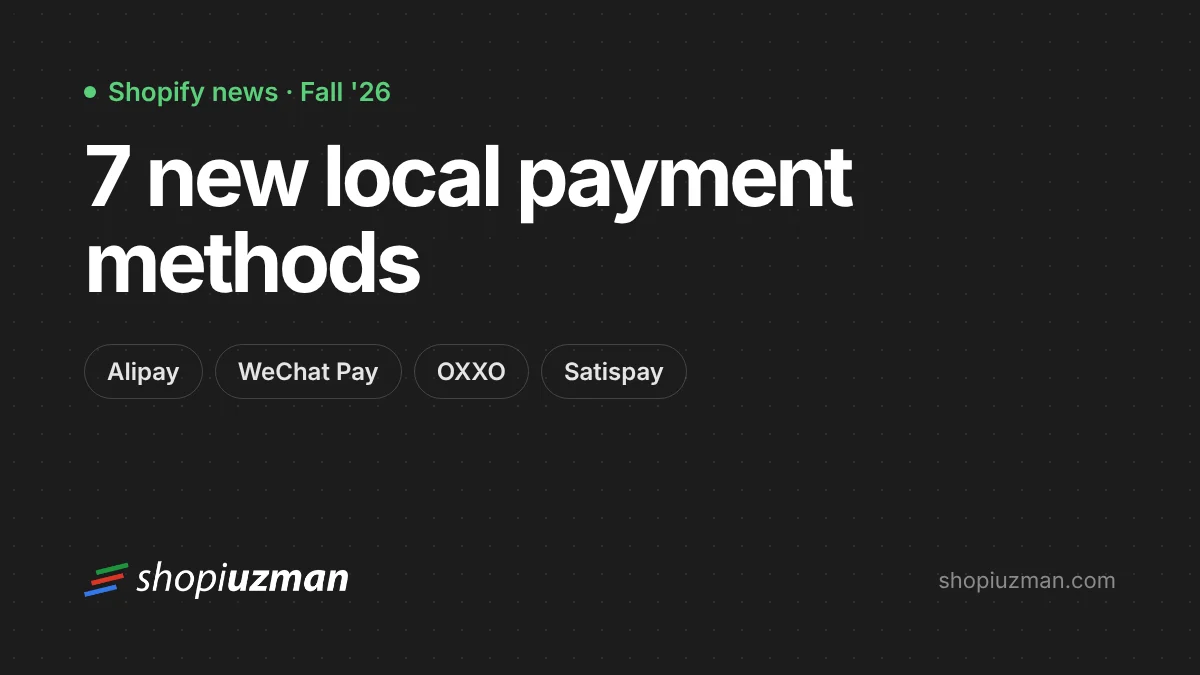
With its Fall '26 Edition, announced on 28 October 2026, Shopify added seven local payment methods to Shopify Payments: Alipay, WeChat Pay, GrabPay, OXXO, Scalapay, MB WAY and Satispay. They can now be turned on inside Shopify Payments, without installing a separate payment app.
Why local payment methods matter
In many markets, shoppers prefer to pay the way they do every day: mobile wallets in China, cash vouchers in Mexico, bank-linked apps in Portugal and Italy. A shopper who doesn't see a familiar option at checkout is more likely to leave. Offering the methods your customers already trust removes that friction.
The seven new methods
| Method | Main markets | How it works |
|---|---|---|
| Alipay | China | One of China's most widely used digital wallets |
| WeChat Pay | China | Mobile payments inside the WeChat app |
| GrabPay | Singapore, Malaysia, the Philippines | The wallet in the Grab super-app |
| OXXO | Mexico | The customer gets a voucher and pays in cash at an OXXO store |
| Scalapay | Italy, France, Spain | Buy now, pay later in instalments |
| MB WAY | Portugal | Bank-linked mobile payment app |
| Satispay | Italy | Bank-linked mobile payment app |
Where they work
According to Shopify, all seven work at online checkout, and they also appear in Shop Pay and the Shop app. Several work in person with Shopify POS as well:
- In person with Shopify POS: including Satispay, Scalapay and GrabPay
- Online only: including MB WAY and OXXO
Shopify also announced that Shop Pay and local payment methods can be added through Shopify Payments alongside an existing payment provider, and a more compact checkout design for payment options.
How to turn them on
- Go to Settings → Payments.
- Under Shopify Payments, choose Manage.
- Find the payment methods available to your store and switch on the ones you want.
- Check checkout from each target market to see how they appear.
Which methods you see depends on your store's country, the markets you sell to and their currencies. Customers only see methods that apply to their region and currency.
Who benefits most
- Stores selling to China, Southeast Asia, Mexico, Italy, France, Spain or Portugal
- Brands with physical shops in those markets using Shopify POS
- Stores with high mobile traffic from these regions
Make sure each market is set up with the right currency and language first; see selling internationally. For Switzerland, see TWINT on Shopify.
Planning payments for new markets? See our international expansion service, and our pricing guide for how payment fees work.
Frequently asked questions
Which payment methods were added?
Alipay, WeChat Pay, GrabPay, OXXO, Scalapay, MB WAY and Satispay, announced with Shopify's Fall '26 Edition on 28 October 2026.
Do I need a separate payment app for them?
No. For eligible stores they are managed inside Shopify Payments, under Settings → Payments.
Why can't I see a method in my settings?
Availability depends on your store's country, the markets you sell to and the currencies you use. If you don't use Shopify Payments, these methods aren't available through it.

Author
Uğur KeskinFounder @ShopiuzmanFounder of Shopiuzman. He builds, migrates and grows Shopify stores for brands in Türkiye, Europe and the US, and leads the development of our apps on the Shopify App Store.